occy gives you the ability to create a variety of forms to suit your hiring needs. Forms are categorised into three types; Internal, Candidate, and Reference.
Each type is used in a different way within occy, so we've created this article to explain the differences between the two.

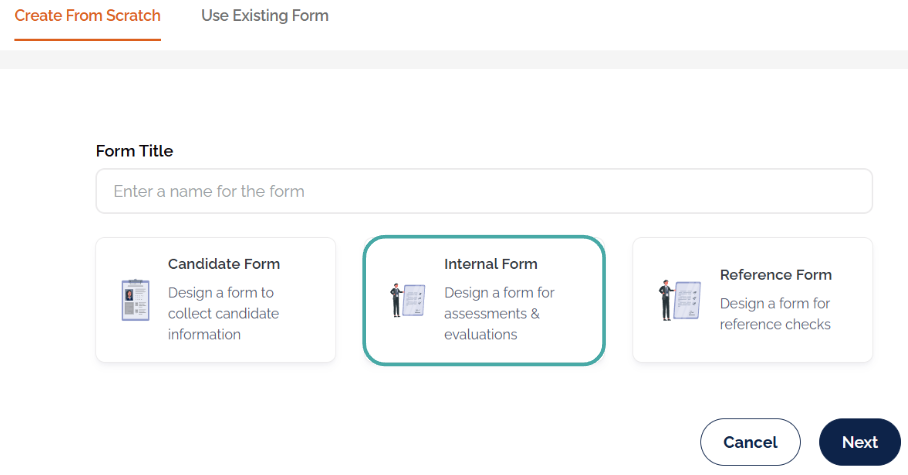
Internal Forms
Internal forms are used internally by the hiring team to assess and evaluate candidates. They can also be used to provide a uniform set of questions for reference during interviews. These forms cannot be sent to the candidate.
Once the form is created, you can add it to a job within the Toolkit section. If an internal form has been added to a job, when you open a candidate's application, the form will show under the Evaluations tab of the candidate profile.

Candidate Forms
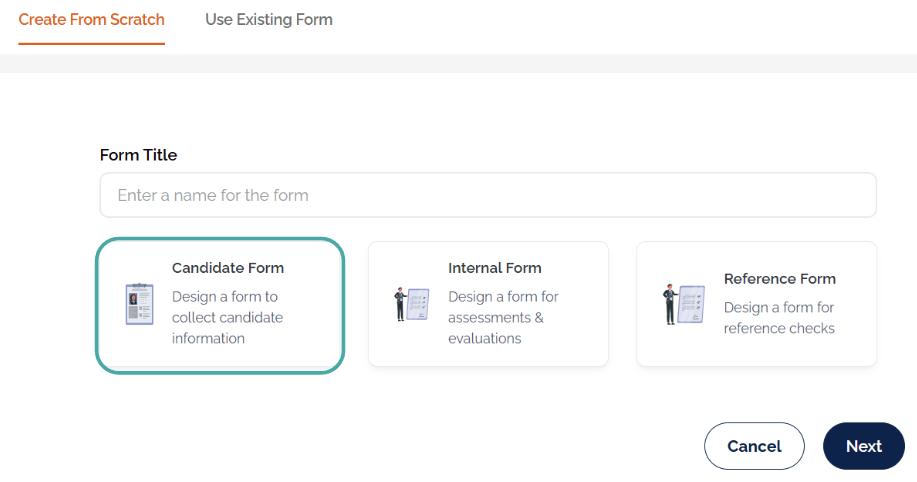
Candidate forms are designed to be sent to candidates; this can be an application form or to gather further information to help with the screening process.
Candidate forms can be sent to candidates via email, sent automatically with a workflow automation, added to email templates.

Reference Forms
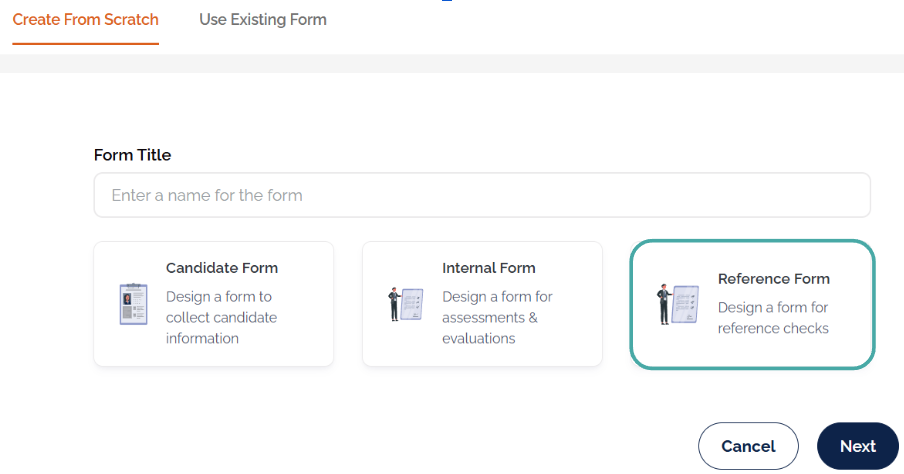
Reference forms are used to gather candidate references.
Create a list of questions for referees to complete, then send the reference request to candidates individually, in bulk, or automatically using a workflow automation.
When a reference check is triggered, candidates will be prompted to provide their referee's details. The selected reference form is then sent to each referee directly.
Email templates for the candidate and referee reference requests can be found in the Email Templates section of Settings.
Was this article helpful?
That’s Great!
Thank you for your feedback
Sorry! We couldn't be helpful
Thank you for your feedback
Feedback sent
We appreciate your effort and will try to fix the article